Prompts that travel well
Reusable prompts for handoffs across your connected providers, AI tools, and the work that comes next.
Prompts, Notes, Brain Dump & ProjectsHand Off Structured Context to Any AI
Reusable prompts, cleaner handoffs, and less context lost between your connected providers, AI tools, and next-step workflows.
Use the quick mobile shell when you need speed, then keep notes, projects, prompts, and Brain Dump close by when context matters.
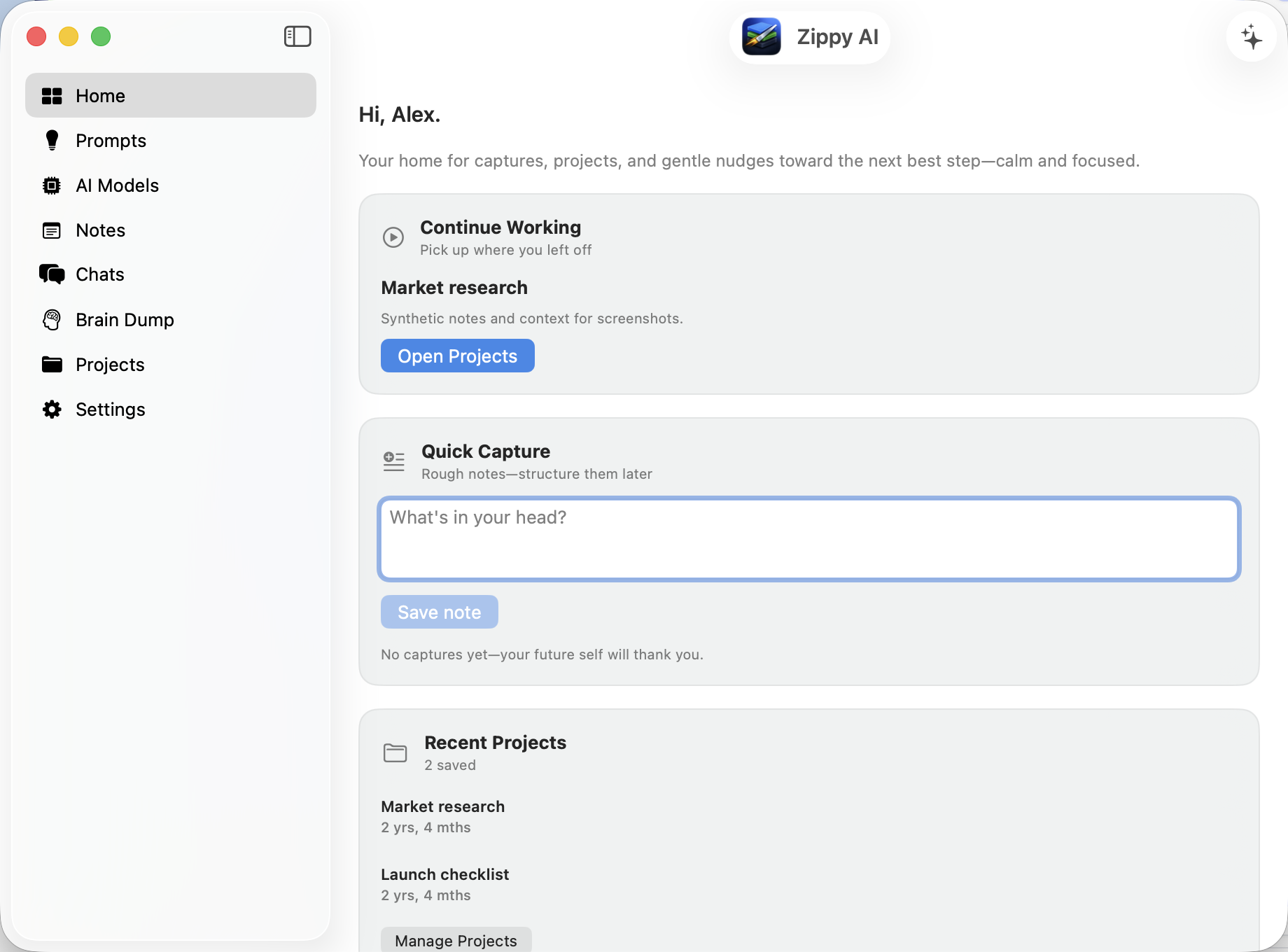
Zippy AI is your home for captures, projects, prompts, and the next best action—tuned for how you actually work with AI on the go and at the desk. Everything ties back to structured handoffs and reusable context so you are not re-explaining the same story to every model.
The same ideas you see in first-run onboarding—spelled out for the web.
Reusable prompts for handoffs across your connected providers, AI tools, and the work that comes next.
Turn messy notes into a clear directive before your next AI chat.
Keep notes and handoff context tied to the work—not lost in one endless thread.
Pick your stack; Zippy keeps prompts, nudges, and handoffs aligned with those tools.
Assistant uses Zippy by default; Power and Lifetime can also add their own compatible provider when they want more control.
Jump straight into Assistant, Brain Dump, prompts, and more from the Home Screen.
Enable the Safari extension (Safari → Extensions) for prompts and handoffs on the web; full notes stay in the app.
Optional nudges—toggle schedule in Settings or switch to daily reminders when that fits.
Same Apple ID syncs models and prompts via iCloud; custom template files stay local unless you export or use Handoff.
Download Zippy AI from the App Store for the full experience—same account as Zippy Cloud, with notes, prompts, Brain Dump, and projects where you work best.
On iPhone, iPad, or in Safari on Mac, add the Zippy AI Safari extension for prompts and handoffs on the web.